Type | Value | Notes |
|---|---|---|
Page Description | Students who need to work in Read Naturally Live–Español can be assigned to work in Spanish content using the Read Naturally Live page in the Staff Module. | |
Tags | Read Live, Read Naturally Live—Español, Comprehension, Fluency, Manual/User Guide, Information, Support/Troubleshooting, Tips & tricks, Getting started/setup, Placement | |
Alias | placing-students-in-read-naturally-liveespanol |
When students are given access to Read Naturally Live–Español, their default assignment is Español Level 1.0, with a goal of 50 wcpm. Note that there is currently no Placement process in the Read Naturally Live–Español application.
You can change a student's current assignment at any time from the Student Activity page in the Staff Module. You can also assign a new Level or Goal in the Student Module using the Teacher menu.
How to change a student's Level and Goal assignments in Read Naturally Live–Español from the Staff Module:
Log in to the Staff Member Module.
From the navigation menu, select the Student Activity link.
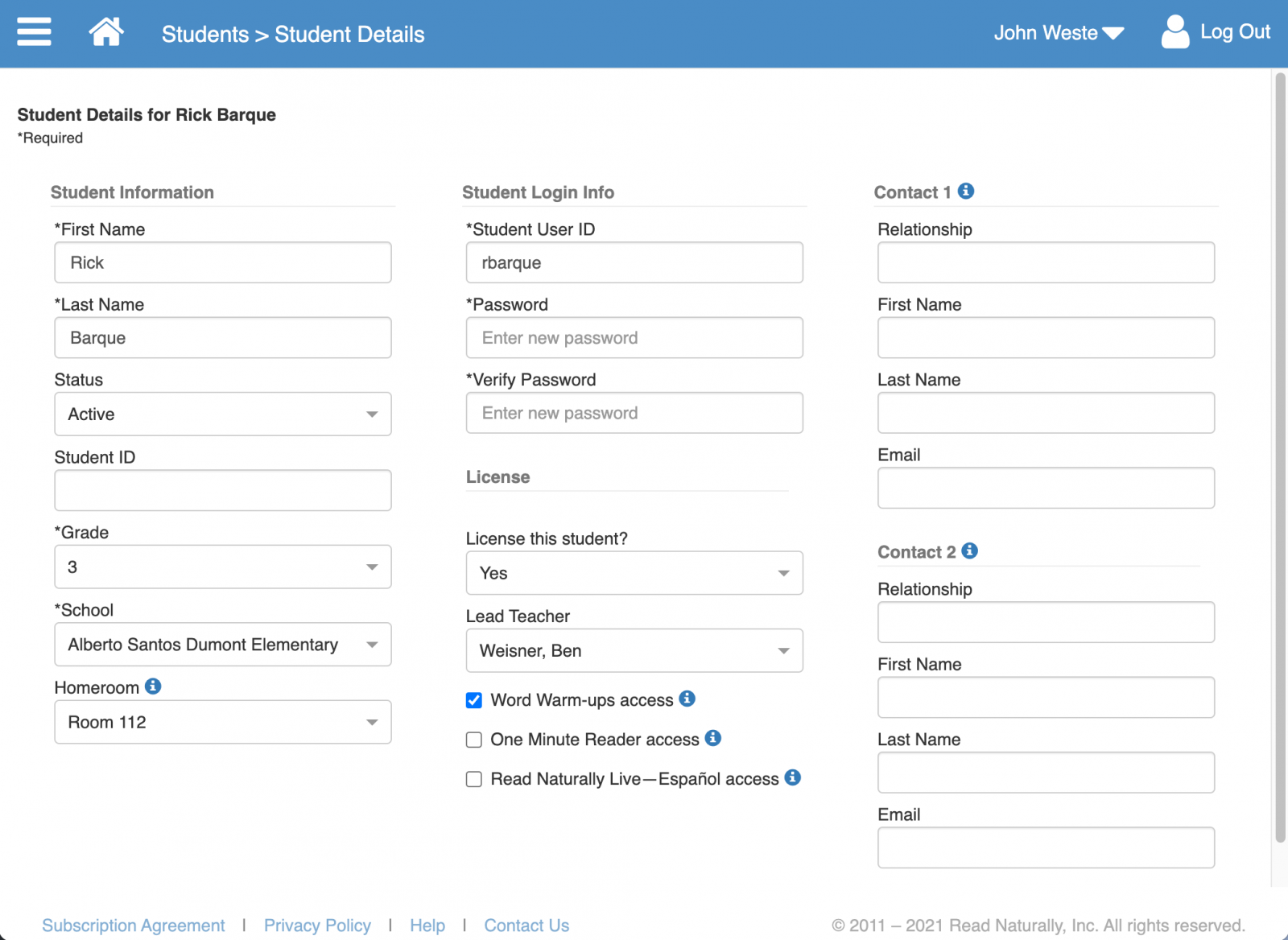
Select the Read Naturally Live–Español Access checkbox.
Note: The default assignment in Read Naturally Live–Español is Level 1.0, with a goal of 50 wcpm. You can change that assignment on the Read Naturally Live–Español Students page.Click Save & Close.
Additional Resources